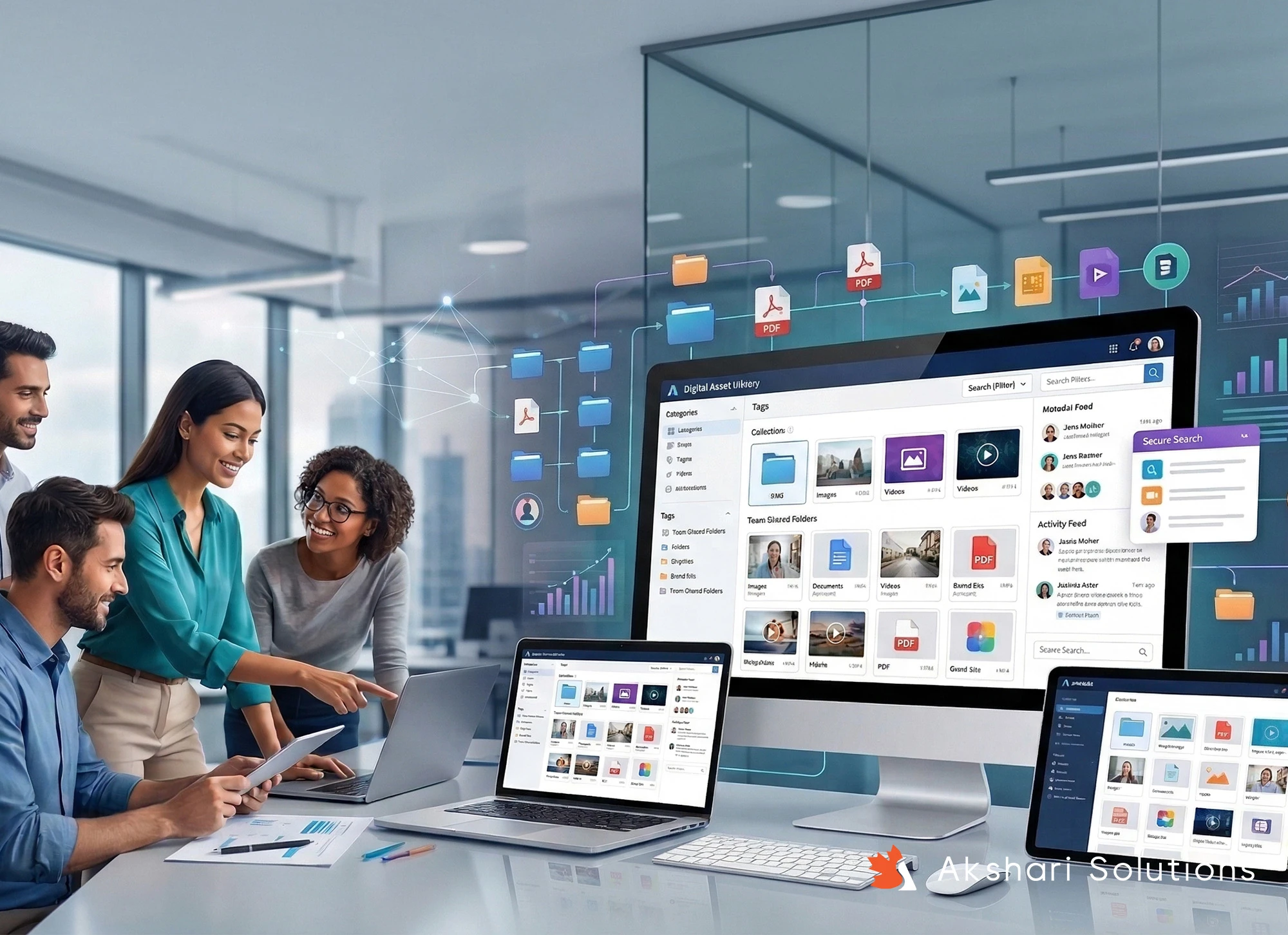
How to Build a Scalable Digital Asset Library for Teams
At some point, every growing team runs into the same problem.
Files are everywhere. There are five versions of the same logo. Someone downloads the wrong one. A campaign goes out slightly off-brand, and now you’re fixing something that shouldn’t have broken in the first place.
This isn’t a team problem. It’s a system problem.
And the solution isn’t just “better organization.” It’s building a digital asset library that actually scales with your business, something your team can rely on without overthinking it.
What a Good Asset Library Really Does
Most people think of a digital asset library as storage.
In reality, it’s more like infrastructure.
When it’s set up properly, your team doesn’t have to ask:
“Where’s the latest version?”
“Can I use this?”
“Is this still on-brand?”
They just know.
That kind of clarity saves time, reduces friction, and keeps your branding consistent across everything, from your website to your campaigns.
And as Adobe points out, strong asset management isn’t just operational. It directly impacts productivity and brand consistency.
How to Build Something That Actually Scales
1. Start with Structure (But Keep It Practical)
You don’t need a complex system. You need a logical one.
Think in terms of how your team actually works:
Brand assets (logos, fonts, guidelines)
Marketing (campaigns, ads, social content)
Web design (UI elements, graphics)
Internal use (presentations, docs)
If someone new joins your team, they should be able to find what they need without asking anyone.
2. Fix Your Naming, Seriously
This is where most systems quietly fall apart.
If your files are named things like “final_v3_last_edit.png,” your library won’t scale. It’ll just grow messy.
Instead, name files like you’d search for them:
primary-logo-black.png
homepage-banner-spring-2026.jpg
It seems small, but this one change can save hours every week.
3. Control Access Without Slowing People Down
Not everyone needs full control, and that’s a good thing.
Set clear permissions:
Designers manage and update assets
Marketing teams use approved files
External partners get limited access
It keeps things clean without creating bottlenecks.
4. Make It Part of Your Workflow
Here’s where most asset libraries fail, they exist, but no one uses them properly.
Your system should connect naturally to your day-to-day work:
Assets flowing into your projects
Easy access during campaign execution
If it feels like extra effort, people will bypass it. If it feels seamless, it becomes part of how your team works.
What This Looks Like in the Real World
Let’s say you’re managing multiple campaigns across regions or platforms.
Without a proper system:
Teams reuse outdated visuals
Messaging drifts off-brand
Work gets duplicated unnecessarily
With a structured asset library:
Everyone pulls from the same approved source
Campaigns stay visually and strategically aligned
Onboarding new team members becomes much easier
This is especially important when you’re trying to maintain strong, consistent branding across different channels.
Tools That Can Support You
The tool matters, but not as much as the system behind it.
That said, a few reliable options include:
Google Drive for simple, flexible setups
Adobe Experience Manager for larger, more complex needs
Dropbox Business for easy sharing and collaboration
Choose something your team will actually use. Adoption matters more than features.
Where Things Are Heading
Smarter Search with AI
Modern platforms are starting to auto-tag and organize content, making it easier to find exactly what you need, even if you don’t remember the file name.
Fully Cloud-Based Teams
With remote work now standard, having a centralized, accessible system isn’t optional anymore, it’s expected.
Stronger Brand Control
As brands expand across more platforms, maintaining consistency is getting harder.
That’s why more businesses are investing in systems that enforce brand rules at scale. Even Forbes has highlighted how critical these systems are becoming for long-term growth.
A Few Practical Tips Before You Start
If you’re building (or cleaning up) your asset library:
Don’t overcomplicate it. Start simple
Clean up old files before migrating everything
Create basic rules for naming and structure
Walk your team through how to use it
Review it every few months and refine
You’re not aiming for perfection. You’re building something your team can trust.
Conclusion
A well-built digital asset library doesn’t just organize files—it removes friction.
It helps your team move faster, make fewer mistakes, and stay aligned without constant back-and-forth.
And as your business grows, that kind of clarity becomes a real advantage.
If you’re investing in your branding, web design, or digital marketing, this is one of those behind-the-scenes systems that quietly makes everything else work better.